
The recent authentication issues for Rock’s Backpages have now been fixed by the databased provider.
Access is available both on and off-campus using the University username and password.
Updates on electronic resources from the library of Nottingham Trent University
The recent authentication issues for Rock’s Backpages have now been fixed by the databased provider.
Access is available both on and off-campus using the University username and password.

Following the security warnings issues at the end of last week (1 – 2 Feb 2024) the library bookings pages appear to be working again.
Should you experience any similar warning page please report this to the library.
We are currently experiencing issues when trying to access the librarybookings.ntu.ac.uk site using Chrome and Edge. Access to the site is blocked and a security warning appears.
Use of the Firefox browser appears to be okay.
We are working with the provider and our digital technologies team to try and resolve this as soon as possible.


A scheduled system maintenance period for the Box of Broadcasts (BoB) platform will begin Tuesday 5 December 2023 at 19:00. The provider advises that the service should be considered ‘at risk’ during this time.
A scheduled system maintenance period for the Box of Broadcasts (BoB) platform will begin Wednesday 25 October 2023 at 07:00. The provider advises that the service should be considered ‘at risk’ during this time.

Following the recent off-campus outage, caused by a platform change, access to BCIS (Building Cost Information service) has now been restored to single-sign on login for off-site users.
Off-campus access to this resource is once again via university username and password and can be accessed via the BCIS Find Database page.
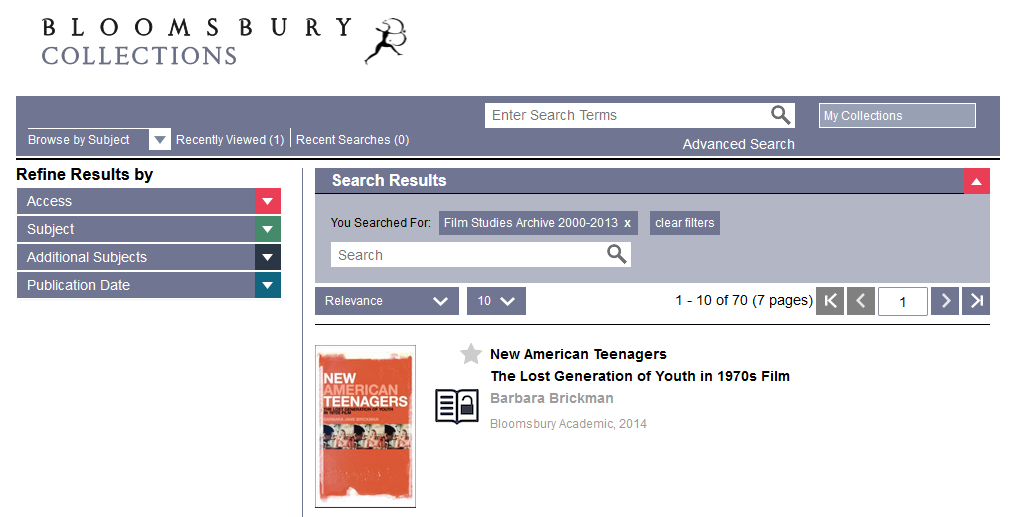
Bloomsbury Collections will be migrating to a new improved platform in late July.
As the library has access to e-books through some of these collections, including:
Early Modern History Archive 1971-2013
Film & Media Studies 2014
Family and Social Law
They have advised the following for people who’ve created personal accounts and bookmarked existing content:
“If you are an instructor, librarian, or student with an existing personal account, please note that you will need to set up a personal account on the new Bloomsbury Collections site after the migration at the end of July. This is a simple process that can be done quickly and easily.
To set up a new personal account, click on ‘Sign into your personal account’ in the upper right-hand corner. You will then be prompted to set up a new account or use an existing one. If you already have an account set up with one of Bloomsbury’s other digital products, you can use that log in. If not, you’ll be able to set up a new one at that time.
Bookmarks saved to personal accounts on the current Bloomsbury Collections site will not be retained, so prior to migration please save the links to your favorite pages within your own browser, so you do not lose them.”
The recent off-campus outage, caused by a platform change, has been resolved.
Off-campus access to this resource is now via a username and password which can be accessed via the BCIS Find Database page.
Following a recent platform change, off-campus access to the Building Cost Information Service (BCIS) has been lost.
We are working with BCIS, as a matter of urgency, to restore access.
On-campus access is unaffected.

A scheduled system maintenance period for the Lexis+ and Nexis platforms will begin Thursday 30 March 2023 at 17:00 until Friday 31 March at 03:00. The provider advises that the service will be unavailable during this time.
A scheduled system maintenance period for the Box of Broadcasts (BoB) platform will begin Friday 27 January 2023 at 07:00. The provider advises that the service should be considered ‘at risk’ during this time.
A scheduled system maintenance period for the Box of Broadcasts (BoB) platform will begin Thursday 26 January 2023 at 07:00. The provider advises that the service should be considered ‘at risk’ during this time.
 eResource updates
You must be logged in to post a comment.